
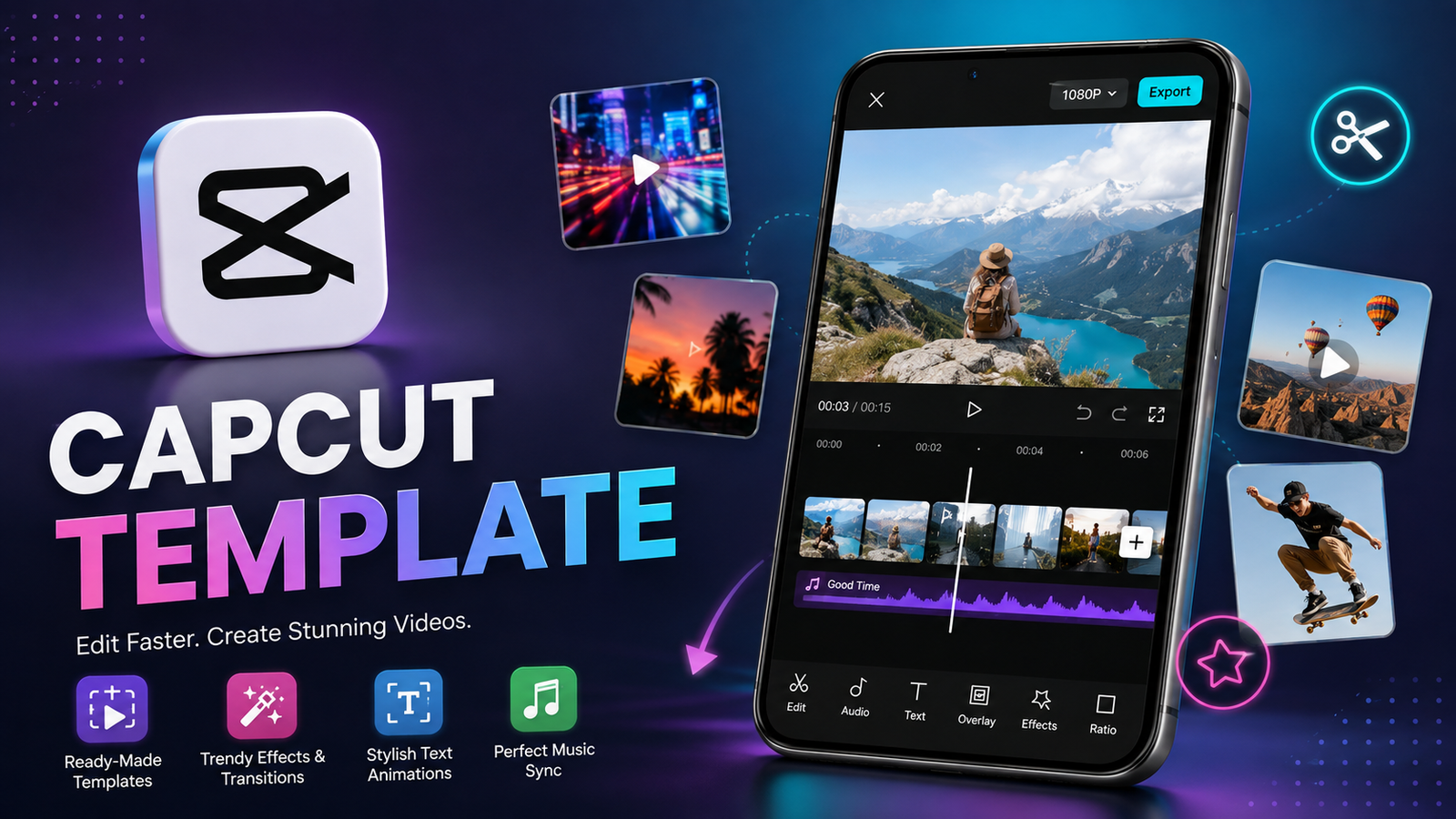
A capcut template makes video editing faster by giving creators a ready-made structure for clips, transitions, effects, text, and music. Instead of building every video from scratch, users can choose a suitable template, add their own media, and customize the result for social media platforms.
For beginners, templates can remove much of the complexity that comes with editing. For experienced creators, they can also provide a useful starting point when time is limited. Whether you create short videos, travel edits, birthday memories, product promotions, or social media content, templates can make the editing process more convenient.
This guide explains what CapCut templates are, their main features, how they work, their advantages and limitations, and how to get better results from them.
What Is a CapCut Template?
A CapCut template is a pre-designed video editing format that contains elements such as transitions, effects, timing, text styles, animations, and music synchronization.
Rather than manually arranging each part of a project, you can start with an existing design and replace its media with your own photos or video clips.
The basic idea is simple:
- Choose a template that matches your video idea.
- Add the required photos or video clips.
- Let the template apply its preset editing structure.
- Make additional adjustments where available.
- Preview the finished video.
- Export or share the result.
Templates are particularly useful for short-form content because they can help creators produce visually appealing videos without spending a long time on manual editing.
Why Are CapCut Templates Popular?
One of the biggest reasons templates have become popular is convenience. Modern social media users often want to publish content quickly, but professional-looking editing can take considerable time.
A template provides a shortcut without requiring the creator to understand every editing tool.
They can be useful for:
- TikTok-style short videos
- Instagram Reels
- YouTube Shorts
- Birthday videos
- Travel montages
- Couple edits
- Before-and-after videos
- Product showcases
- Photo slideshows
- Event highlights
- Promotional clips
Another advantage is consistency. If you regularly create content, using a similar visual style can make your videos feel more organized and recognizable.
Key Features of CapCut Templates
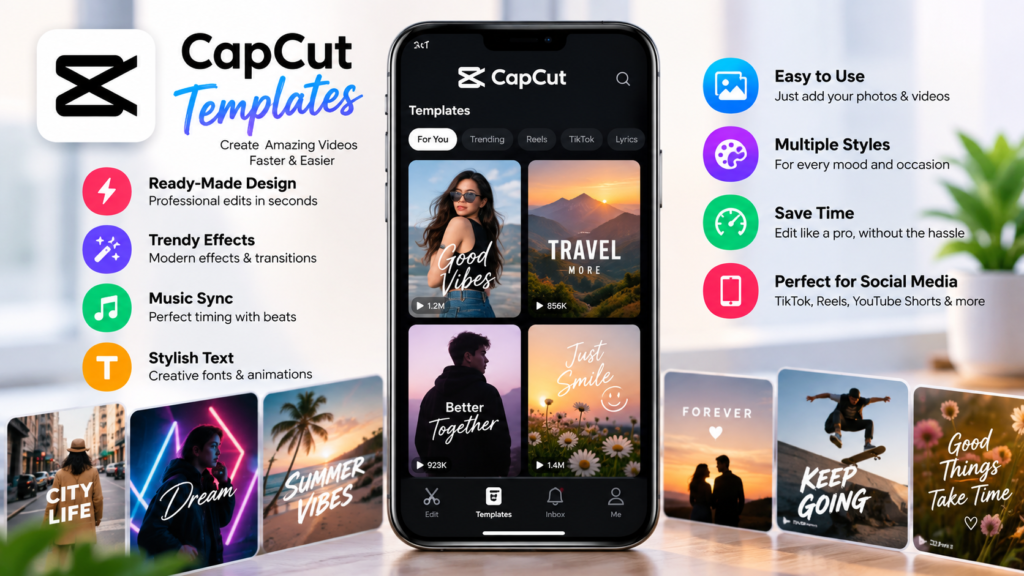
Different templates offer different editing elements, but many provide several useful features.
Ready-Made Video Structure
A template usually has a predefined sequence. This can include the number of clips required, their approximate duration, transitions, and visual effects.
This means you do not have to decide where every clip should appear manually.
Automatic Effects and Transitions
Templates can include preset transitions, zoom effects, animations, filters, and other visual changes.
These elements can make a basic collection of photos or clips feel more dynamic.
Music Synchronization
Some templates are designed around specific audio timing. Visual changes may happen according to the rhythm or beat of the selected sound.
This can be especially useful for short social media videos where music and visual timing are important.
Text and Animation Styles
Templates may include predefined text positions, fonts, animations, and other visual elements.
Creators can often replace or customize the text depending on the project.
Photo and Video Support
Many templates are designed for either photos, videos, or a combination of both. The required number of media files can vary.
Before starting, check how many clips or images the template expects. This can save time and prevent unnecessary editing.
Quick Customization
Templates are designed to reduce repetitive editing. After selecting one, you can usually insert your own media and then make additional adjustments when the available editing options allow it.
This makes templates suitable for people who want a polished result without building an entire project manually.
CapCut Template Features at a Glance
| Feature | What It Offers | Best For |
|---|---|---|
| Preset editing structure | Pre-arranged timeline and effects | Beginners |
| Transitions | Smooth changes between clips | Short videos |
| Effects | Adds visual movement and style | Social content |
| Music timing | Helps coordinate visuals with audio | Trend-based edits |
| Text elements | Ready-made titles and captions | Announcements |
| Media replacement | Lets you add personal photos or videos | Custom projects |
| Quick editing | Reduces manual work | Frequent creators |
| Multiple styles | Different visual approaches | Creative experimentation |
How to Choose the Right Template
Not every template will work well for every project. Choosing one based only on appearance can lead to disappointing results.
Start by thinking about the purpose of your video.
For example, a fast-paced template may work well for a travel montage, while a slower design could be better for family memories or a sentimental slideshow.
Consider these factors:
- Number of clips: Make sure you have enough photos or videos.
- Video purpose: Match the template to your content.
- Pacing: Check whether the transitions are too fast or too slow.
- Visual style: Choose effects that fit your subject.
- Audio: Consider whether the music suits your audience.
- Aspect ratio: Make sure the format works for your intended platform.
- Customization: Look for templates that allow enough flexibility.
A simple design is often better than one overloaded with effects. The template should support your content rather than distract from it.
Benefits of Using a CapCut Template
Templates can provide several practical advantages, especially for people who publish content regularly.
Saves Editing Time
Manual editing can involve trimming clips, adding transitions, adjusting timing, applying effects, and arranging text.
A template can reduce the amount of repetitive work involved in these tasks.
Helpful for Beginners
New editors may not know how to build an attractive timeline from scratch. Templates provide a practical way to learn how different editing elements work together.
By examining the structure of a template, beginners can gradually understand pacing, transitions, and visual storytelling.
Makes Content More Consistent
Creators who produce multiple videos can use templates as a foundation for maintaining a recognizable editing style.
Consistency can be useful for personal creators, small businesses, influencers, and social media pages.
Encourages Creativity
Templates do not have to be used exactly as they appear. They can serve as inspiration for creating something different.
You might change the footage, text, sequence, timing, or other available elements to make the final video feel more personal.
Are Templates Suitable for Professional Content?
Templates can be useful for professional content, but they should not replace creative judgment.
For simple promotional clips, announcements, social posts, or quick campaigns, a well-selected template can save production time.
However, professional projects may require more control over branding, timing, typography, color treatment, audio, and storytelling.
In those situations, an editor may use a template only as a starting point before making substantial manual changes.
The key is to make sure the final video fits the brand and communicates its message clearly.
Common Mistakes to Avoid
Using a template does not automatically guarantee a good video. A few common mistakes can reduce the quality of the final result.
Choosing Style Over Purpose
An impressive template may not suit your content. Always consider the message before choosing visual effects.
Using Too Many Effects
Heavy transitions and animations can make a video difficult to watch. If every clip has a dramatic effect, the content can quickly become overwhelming.
Ignoring Clip Quality
A template cannot fix blurry, poorly lit, or badly framed footage. Start with good source material whenever possible.
Forgetting the Audience
A style that works for a fun personal video may not be appropriate for a business advertisement.
Think about who will watch the video and what they expect.
Not Reviewing the Final Video
Always watch the complete project before exporting. Check the timing, text, audio, transitions, and overall flow.
Small issues can be much easier to notice during a final review.
Tips for Creating Better Videos With Templates
You can get better results by treating the template as a foundation rather than the finished product.
Use high-quality media: Clear photos and properly recorded videos generally produce better results.
Match clips to the rhythm: If the template is designed around fast movement, choose footage that works with its pace.
Keep text readable: Avoid adding too much text to a short video.
Maintain a clear story: Arrange your media so viewers can understand the sequence naturally.
Customize when necessary: Replace unnecessary elements or make adjustments if the template gives you enough control.
Keep branding subtle: For promotional videos, use consistent brand elements without making the screen look crowded.
Preview before publishing: Watch the entire video on the device and platform where you expect your audience to see it.
Templates vs. Manual Editing
Templates and manual editing serve different purposes.
A template is ideal when speed and convenience are priorities. Manual editing is better when you need precise control over every detail.
For beginners, templates can be an excellent introduction to video editing. Once you become comfortable with basic tools, you can combine template-based workflows with manual adjustments.
This hybrid approach often provides a good balance between speed and creativity.
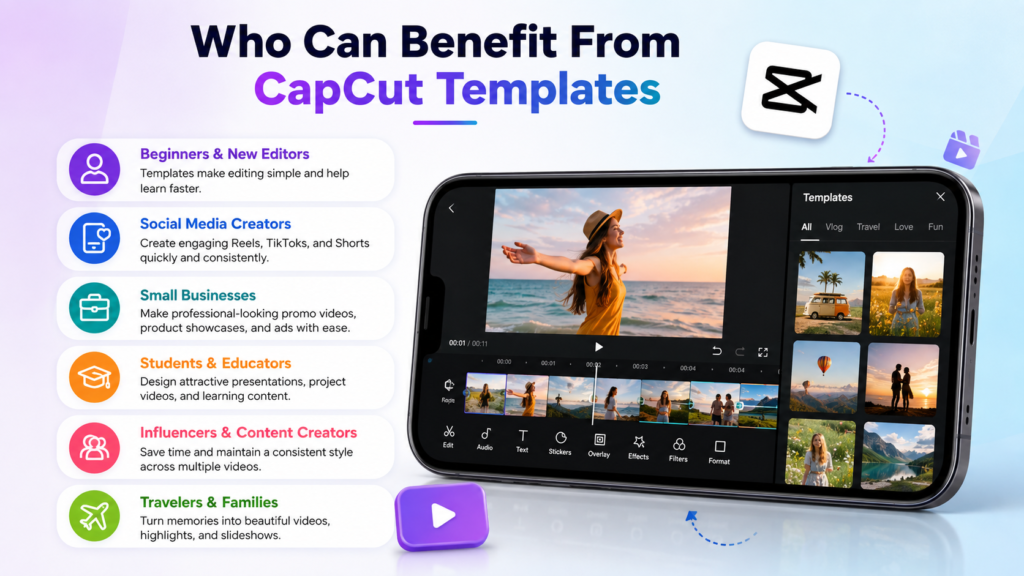
Who Can Benefit From CapCut Templates?
Almost anyone creating short-form video content can potentially benefit from templates.
They are especially useful for:
- Beginners learning video editing
- Social media creators
- Students creating presentations or projects
- Small businesses producing promotional content
- Influencers creating frequent posts
- Travelers making trip highlights
- Families creating memory videos
- Anyone who wants to edit videos more quickly
The important thing is to choose a design that supports the purpose of the video.
Frequently Asked Questions
What is a CapCut template used for?
A CapCut template provides a pre-designed editing structure that can include transitions, effects, text, music timing, and other elements. Users can add their own media and customize the project where supported.
Are CapCut templates good for beginners?
Yes. Templates can make video editing easier for beginners because much of the basic structure is already prepared. They also provide a useful way to learn how different editing elements work together.
Can I customize a CapCut template?
Customization depends on the particular template. Some allow significant changes to media and other elements, while others are more limited. Check the available editing options before starting your project.
Can templates be used for social media videos?
Yes. Templates are commonly useful for short-form content intended for platforms such as TikTok, Instagram, and YouTube Shorts. Always check the platform’s current requirements before publishing.
Do templates make videos look professional?
A good template can provide a polished starting point, but the final quality also depends on your footage, timing, text, audio, and customization. A well-chosen simple template can often look better than an overly complicated one.
Should I use a template or edit manually?
It depends on your goal. Templates are convenient when you want to save time, while manual editing provides greater creative control. Many creators use both approaches depending on the project.
Final Thoughts
A capcut template can simplify the video creation process by providing a ready-made foundation for transitions, effects, music timing, text, and media placement. This makes templates particularly valuable for beginners and creators who need to produce content regularly.
The best results come from choosing a template based on the purpose of your video rather than simply selecting the most visually dramatic option. Use high-quality footage, keep text readable, avoid unnecessary effects, and customize the project whenever possible.
Templates are not a replacement for creativity. Instead, they can give you a faster starting point while leaving room to add your own ideas. With the right approach, they can turn ordinary photos and clips into engaging videos without requiring extensive editing experience.
Also Read: Spotfund: A Complete Guide to the Crowdfunding Platform for Businesses and Organizations








Leave a Reply